
Branding
The Branding page replaces NexPanel's default identity with your own. Use it to make the panel look like part of your company's product.
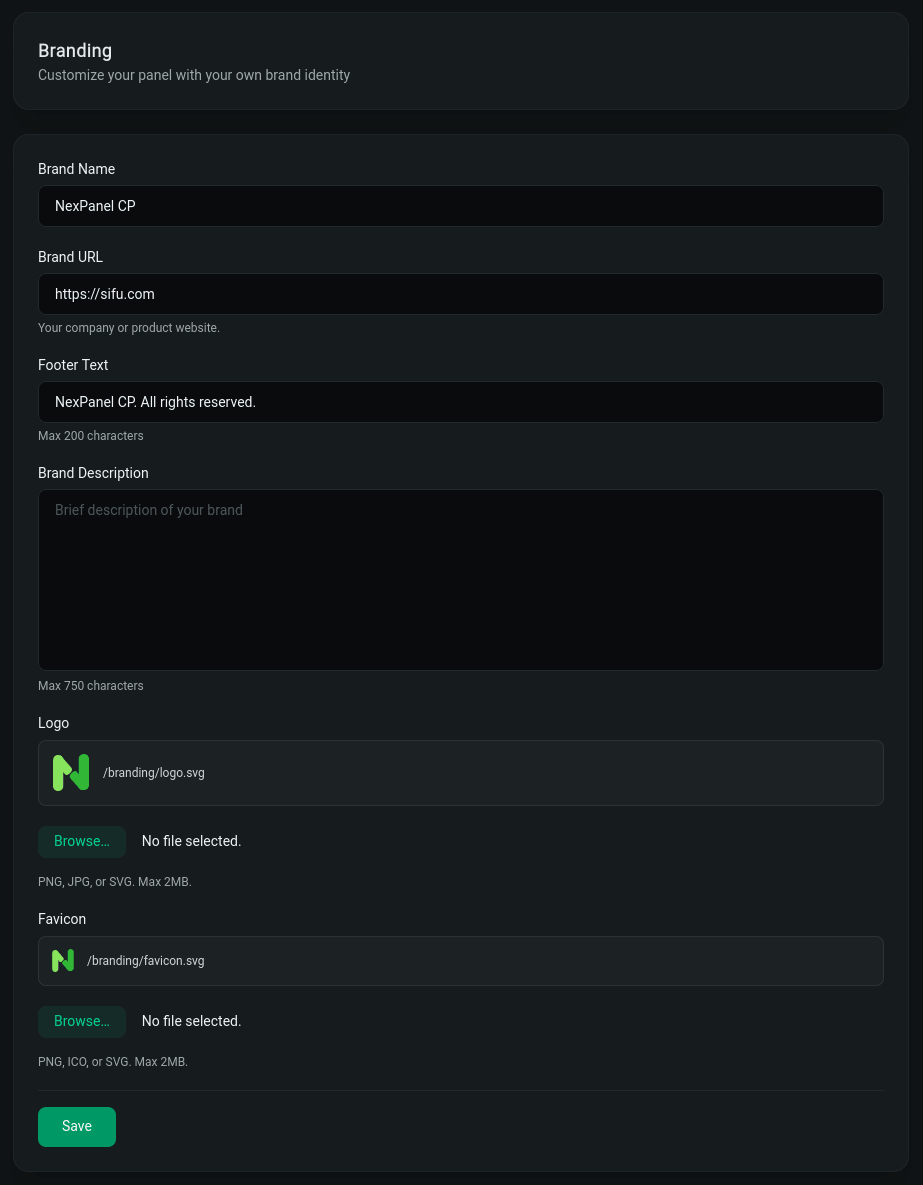
Brand Name
The name shown throughout the panel: browser tab, login page, header, and email notifications.
For example, NexPanel CP or Acme Hosting Panel.
Brand URL
Your company or product website, shown in the About modal.
Use the full URL including https://.
Footer Text
A short line of text shown in the About footer. Defaults to something like NexPanel CP. All rights reserved.
Maximum 200 characters. Keep it short and consistent with your brand.
Brand Description
A brief description of your brand. Shown in areas where the panel introduces itself, for example on the about modal.
Maximum 750 characters. Useful for explaining what your service offers in a sentence or two.
Logo
The main logo used in the panel header and login page.
- Formats: PNG, JPG, or SVG
- Maximum size: 2 MB
- Recommended dimensions: square or wide with transparent background
Click Browse to upload a new logo. The current logo path is shown next to the preview.
Favicon
The small icon shown in the browser tab, bookmarks, and mobile home screens.
- Formats: PNG, ICO, or SVG
- Maximum size: 2 MB
- Recommended size: 32x32 or 64x64 for PNG, standard ICO for ICO
Click Browse to upload a new favicon. Use the same image family as your logo so the tab and header match.
Saving
Click Save to apply all changes at once. The panel reloads with the new branding immediately.
Notes
- Branding requires an active license
- Changes apply to every panel user on this installation
- Uploaded files are stored on the server under
/branding/and served by the panel - To revert to the default NexPanel branding, re-upload the original logo and favicon, and restore the default name, URL, footer text, and description
Tip
Keep a copy of your original files before replacing them. If you want to test a new logo, upload it, check how it looks on mobile and desktop, and revert if you do not like it.