
Premium
Terminal
The Terminal gives you a live shell session in the browser. It runs as the webuser by default, with the same environment and permissions as an SSH session for that user.
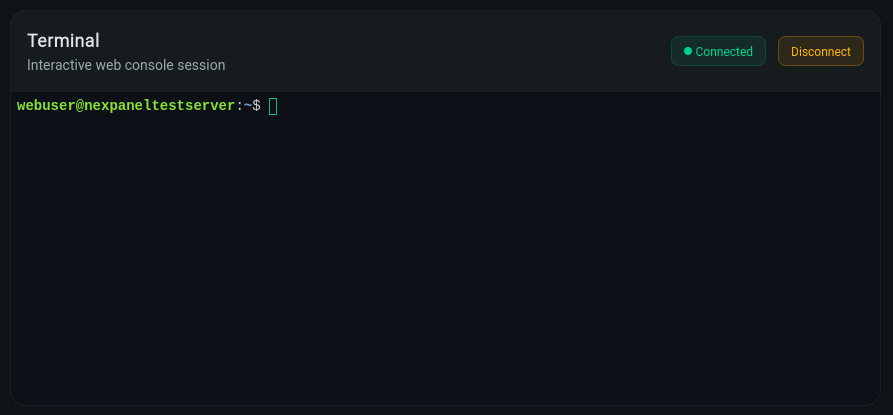
Using the Terminal
Once the page loads, the connection is established automatically. You will see a prompt like:
webuser@nexpanel-testserver:~$
Type commands as you would in SSH. Output appears inline. The session is live, so commands like top, tail -f, and interactive tools work as expected.
Connection Status
The header shows the current state:
- Connected - the shell session is active
- Disconnected - the session has ended and you need to reconnect
Click Disconnect to end the session manually. Useful when you are done, or when you want to start fresh with a clean environment.
Notes
- Terminal requires an active license
- The session runs as webuser, not root. Commands that need root will fail unless you use
sudowith the appropriate permissions - Terminal sessions are not logged by default. Commands you run are not captured in the audit log
- Each page load creates a new session. Closing the tab ends the session
- The shell has a minimal
PATH. Use full paths to binaries that are not in the standard locations
Warning
Commands run in the Terminal have real consequences. There is no undo. Double-check destructive operations like rm, chmod, and mysql statements before pressing Enter.